
For teachers
AI tools for teachers: less paperwork, more time for your class
Choose the chapter. Munja AI writes the notes, builds the lesson to fit your period and helps you prepare question papers. You stay in charge of what is taught.
Ready notes
Notes in three steps
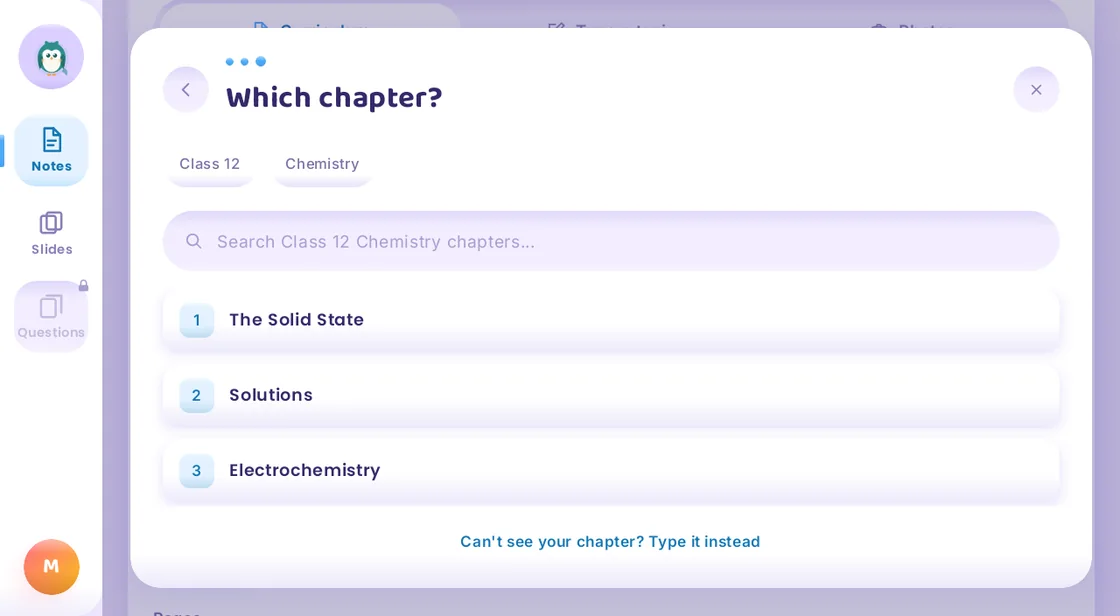
1. Choose the chapter
The syllabus is already inside. Pick the class, the subject and the chapter.
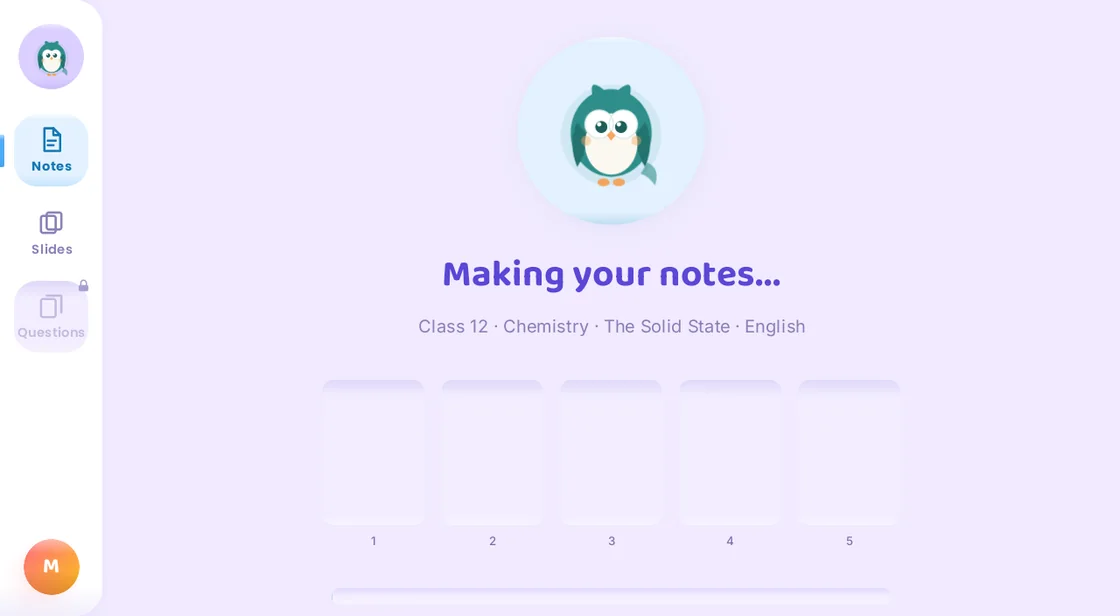
2. Munja AI writes the notes
Clear pages with headings, key terms and labelled diagrams.
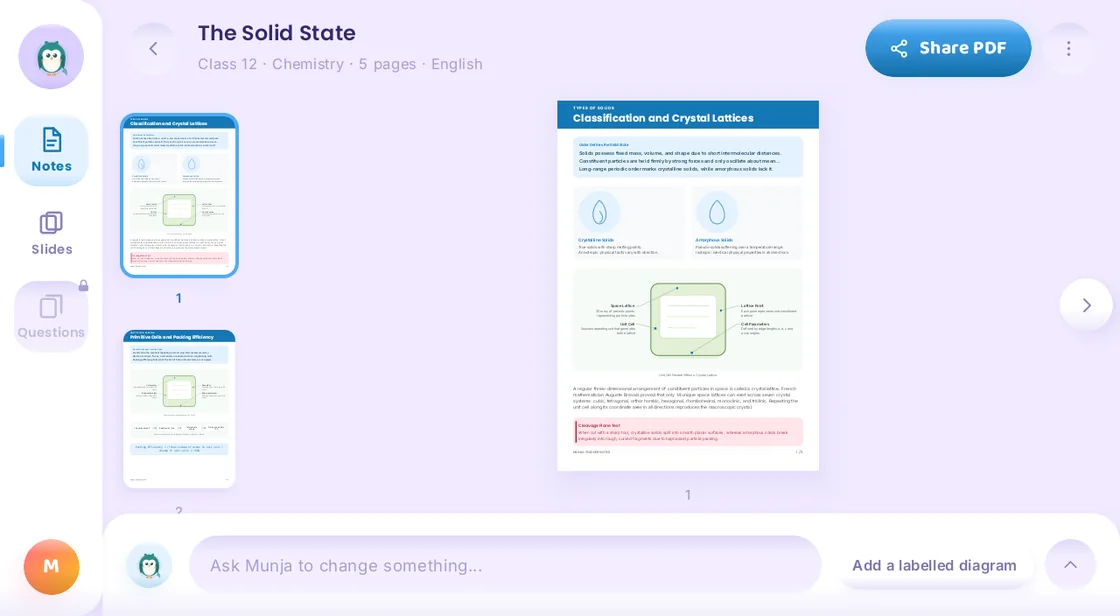
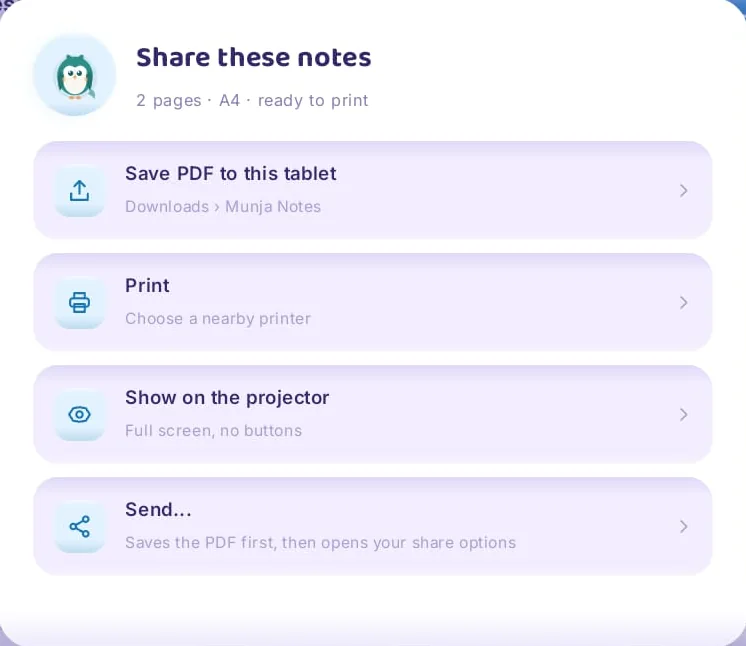
3. Share as a PDF
Save, print, show on the projector or send to the class.
Lessons
A complete lesson that fits the period
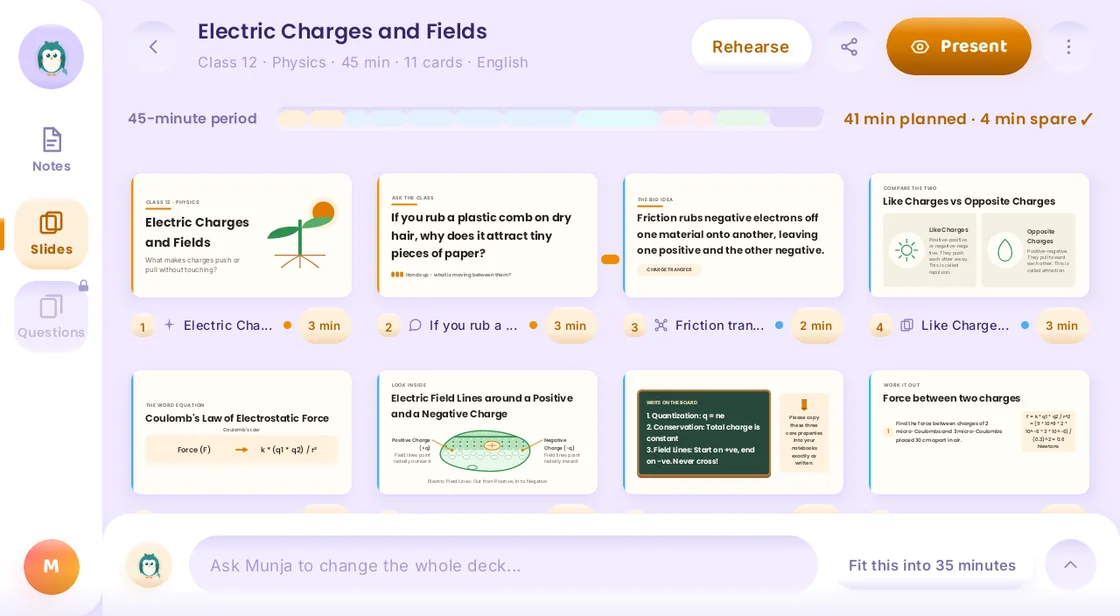
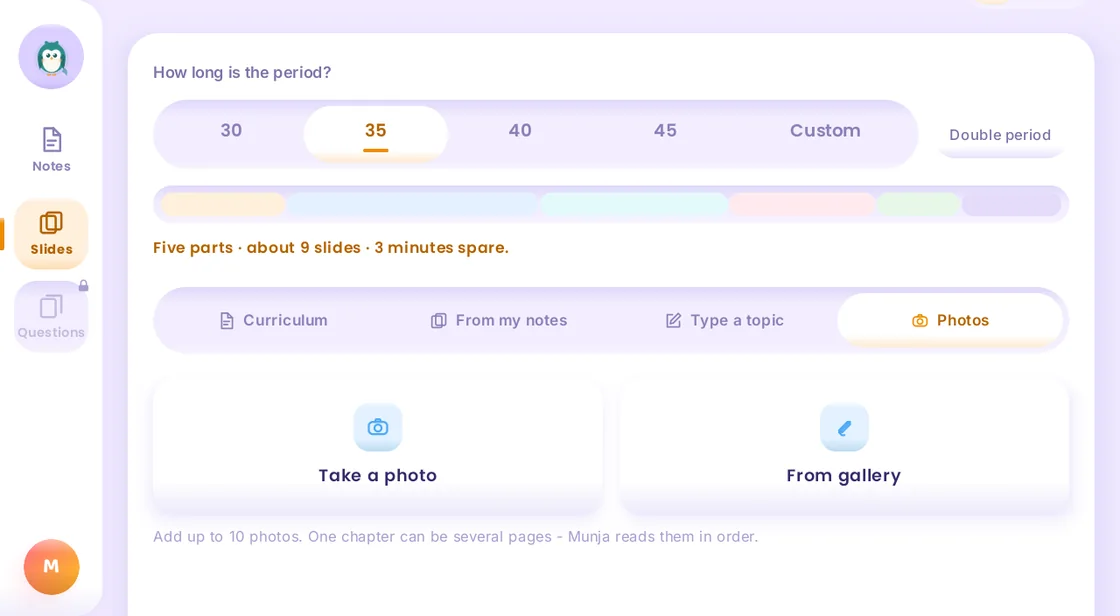
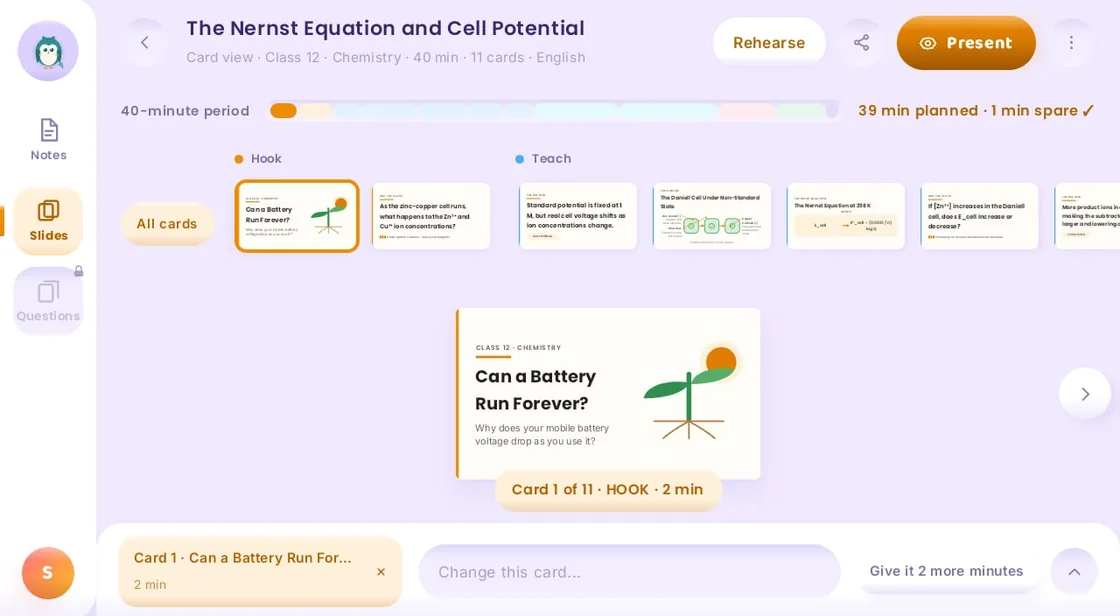
Tell Munja AI how long the period is. It plans the slides to fit, and shows you the minutes planned and the minutes to spare.
- Start from the curriculum, your own notes, a typed topic or a photo of the textbook page
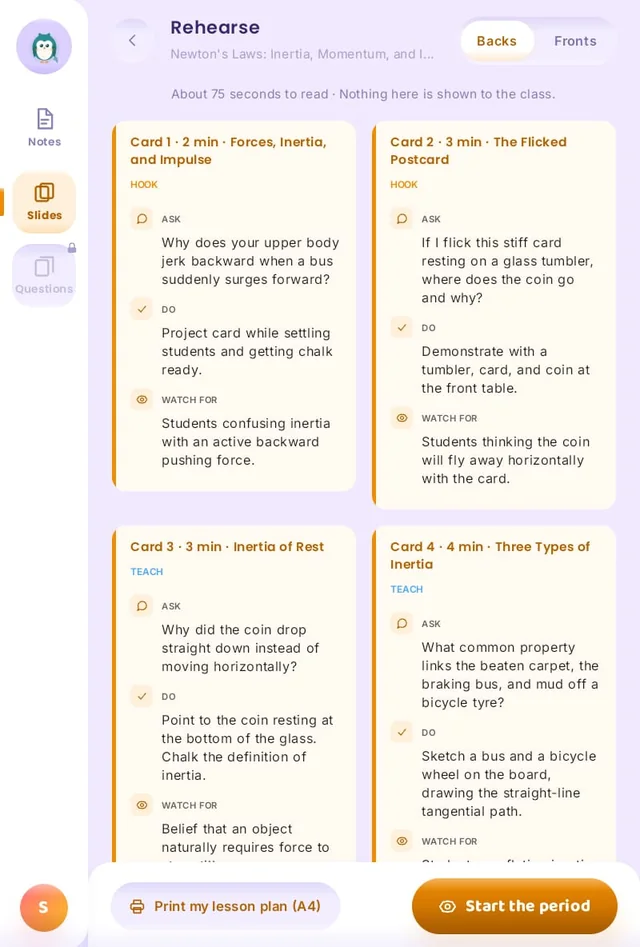
- A private lesson plan for you: what to ask, what to do, what to watch for
- Print the lesson plan on A4, or start the period from the tablet
- Want a change? Ask Munja AI, for example: fit this into 35 minutes
Teacher tools
Five tools that save time every day
Lecture Planning
Plan lectures chapter by chapter from the syllabus.
Notes Creation
Ready notes, shared with the class as a PDF.
PPT Presentation
A presentation ready for the classroom.
Question Paper Generator
Question papers for tests and exams.
Practice Paper Creation
Practice papers for students.
Example
Preparing Monday's Physics period
This is an example of how a Class 12 Physics teacher can prepare one period with Munja AI.
Your students also gain: the doubts they could not ask in class, they ask Munja AI at home, from the same syllabus you teach.
- Step 1
Pick the chapter. Class 12, Physics, Electric Charges and Fields. Set the period to 45 minutes.
- Step 2
Get the lesson. Munja AI plans the slides for the period and writes a lesson plan card for each slide.
- Step 3
Make it yours. Read the plan, ask Munja AI for changes, and print the lesson plan on A4.
- Step 4
Teach and share. Present from the tablet, then share the chapter notes with the class as a PDF.
How to get it
Teacher tools come through your school or coaching class
Ask your principal or owner to book a free demo. We show Munja AI to your team, set up the teacher logins and train the teachers.
Questions and answers
Questions teachers ask
Can Munja AI generate question papers?
Yes. Munja AI has a question paper generator for tests and exams, and a tool for practice papers, made from the syllabus.
Can Munja AI make PPT slides for my class?
Yes. Tell Munja AI how long the period is. It plans the slides to fit and writes a lesson plan for each slide.
Can it write chapter notes?
Yes. Choose the class, subject and chapter. Munja AI writes clear notes with headings, key terms and labelled diagrams, and you can share them as a PDF.
Which classes and boards are covered?
Class 1 to 12, State Board and CBSE.
How do teachers get Munja AI?
Teacher tools come through your school or coaching class plan. Ask your principal or owner to book a free demo.